Article
2026/11/09
Written by Rinon Tendrinomena
After several years working in tech, I've learned how important it is to focus on solving problems in the most efficient manner when shipping code. AI tools like Claude Code and GitHub Copilot help with this by taking care of repetitive work, leaving developers with more time to focus on good technical decision-making.
At Onja, developers use a variety of tools to deliver the best results for our clients and to support internal projects. Our team works across a wide mix of projects, from internal platforms and SaaS applications to coding courses and supporting systems in diverse software environments.
Below, I explore what we’ve learned from adopting and integrating these tools into our everyday workflows.
We use Claude Code throughout our development workflow: creating tickets via a custom SKILL, building SaaS features, diagnosing and fixing bugs, documenting codebases, and supporting code reviews through adversarial workflow.
What makes Claude Code so useful is that it looks at your whole project folder instead of just the open file in front of you. I rely on it to draft project documents, write technical specifications, and break down large feature requirements into smaller developer tasks.
It can read files, run terminal commands, and execute tests on its own. Adding instruction files like CLAUDE.md or AGENTS.md lets us give the tool clear rules about our coding standards, which saves developers from repeating the same instructions over and over again.
Like with any tool, there are downsides. For Claude Code to work well, it needs good context. If you don't give it clear guidelines or structured instructions upfront, it can make wrong assumptions or waste time trying to guess how your setup works.
GitHub Copilot is an AI completion assistant built directly into code editors like VS Code. It predicts what you are typing and gives quick inline suggestions as you write.
We started out using Copilot to help developers write small features, fix simple bugs, and generate repetitive boilerplate code. The biggest advantage of Copilot is how naturally it fits into your regular typing flow. You get instant suggestions without having to open a separate chat window or switch screens, making it very convenient for small tasks and standard functions. We also started using it to help ship new features of our software applications.
However, premium usage limits can become a real friction point. Heavy users on our team sometimes ran through their high-tier monthly allowances early in a sprint, which made it hard to rely on consistently across the whole team.
Tool selection depends on the project in front of you. Inline tools like Copilot are great for quick syntax completion, while terminal tools like Claude Code are helpful when working across multiple files, running commands, or planning out tasks.
Since integrating AI tools into our workflows, we’ve seen the learning curve that exists in using these tools; giving someone an AI tool doesn't automatically make them a better developer. As most developers today will know, AI-written can look clean on the surface but fail to solve the problem at hand or catch edge cases.
We’ve also learned that when integrating and working with AI it’s best to keep our approach flexible. We always consider what our clients want and respect their preferences, never enforcing specific AI tools or workflows where they don't fit. It is always about doing what makes the most sense for the project and the team.
As Adria Trepat, Onja’s former Professionalism and Communication Mentor, shared in a recent article, we have a clear perspective on how AI is changing modern software development.
Onja developers work across companies of all sizes—from small startups to big enterprises, covering SaaS platforms, software consultancies, and logistics systems. Having experience across all these different setups gives us a clear perspective on how AI is changing modern software development.
The most effective developers work with and study AI to learn how to direct it to increase productivity so tech talent can apply human judgment where it matters most. Staying competitive means developers need to be AI-proficient, and Onja is making that happen.

Learn about how Onja's model connects talented young people with remote work in US and European countries...

We talk about why it's valuable to build a socially responsible tech team and explore actionable steps for organisations to achieve this goal, drawing insights from our experience in training talented and underprivileged youth to become software developers in Madagascar...
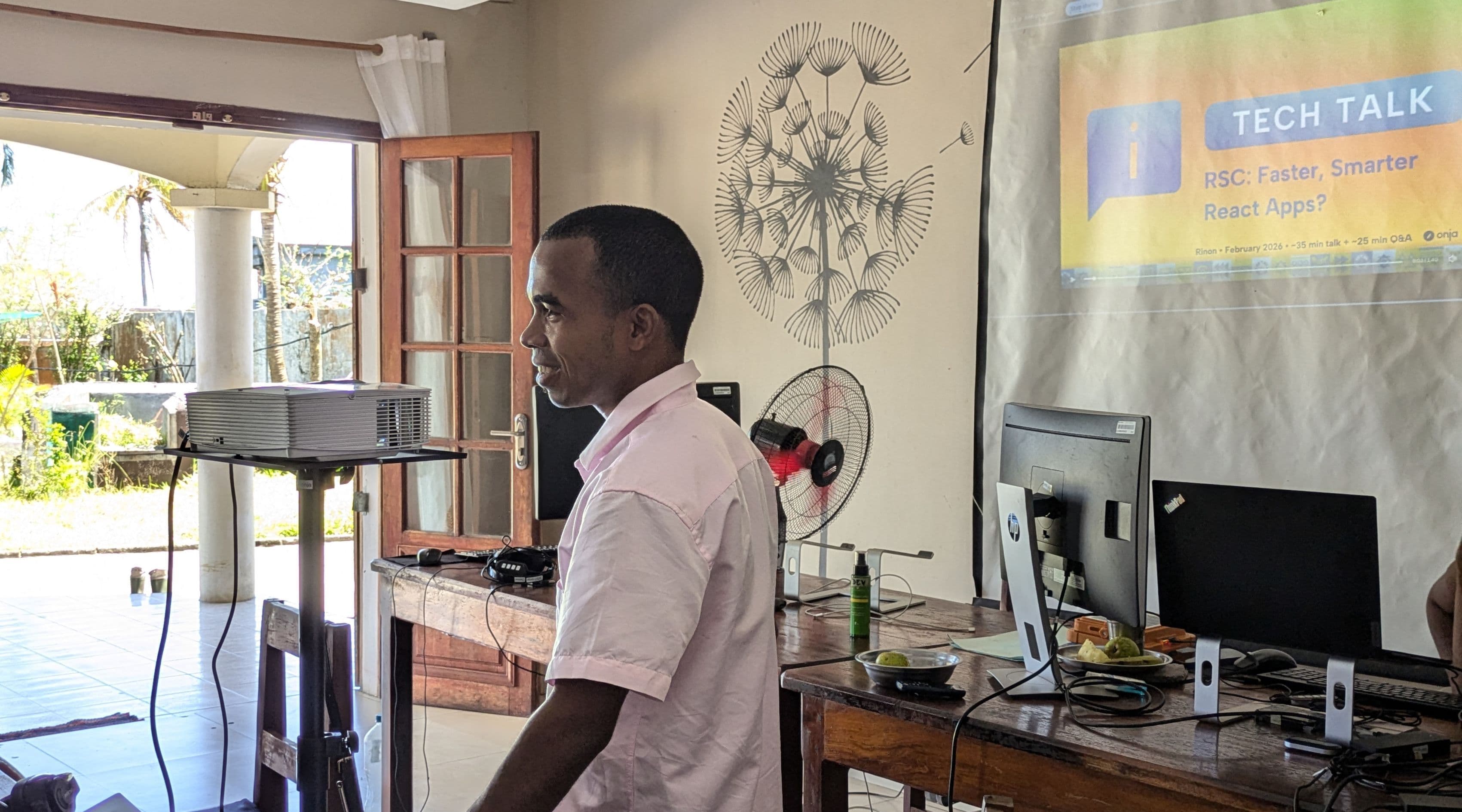
As Onja's Professionalism and Communication Mentor, Adrià Trepat, originally from Barcelona brings a background in international business and leadership development. He believes the right support at the right moment can transform a career. As AI reshapes industries, Adrià has expanded Onja's Tech Talk series to keep developers ahead of evolving job market demands. Read on to learn how we're helping underprivileged Malagasy youth thrive as world-class software developers...
Get Started
Request a call with the Onja team